
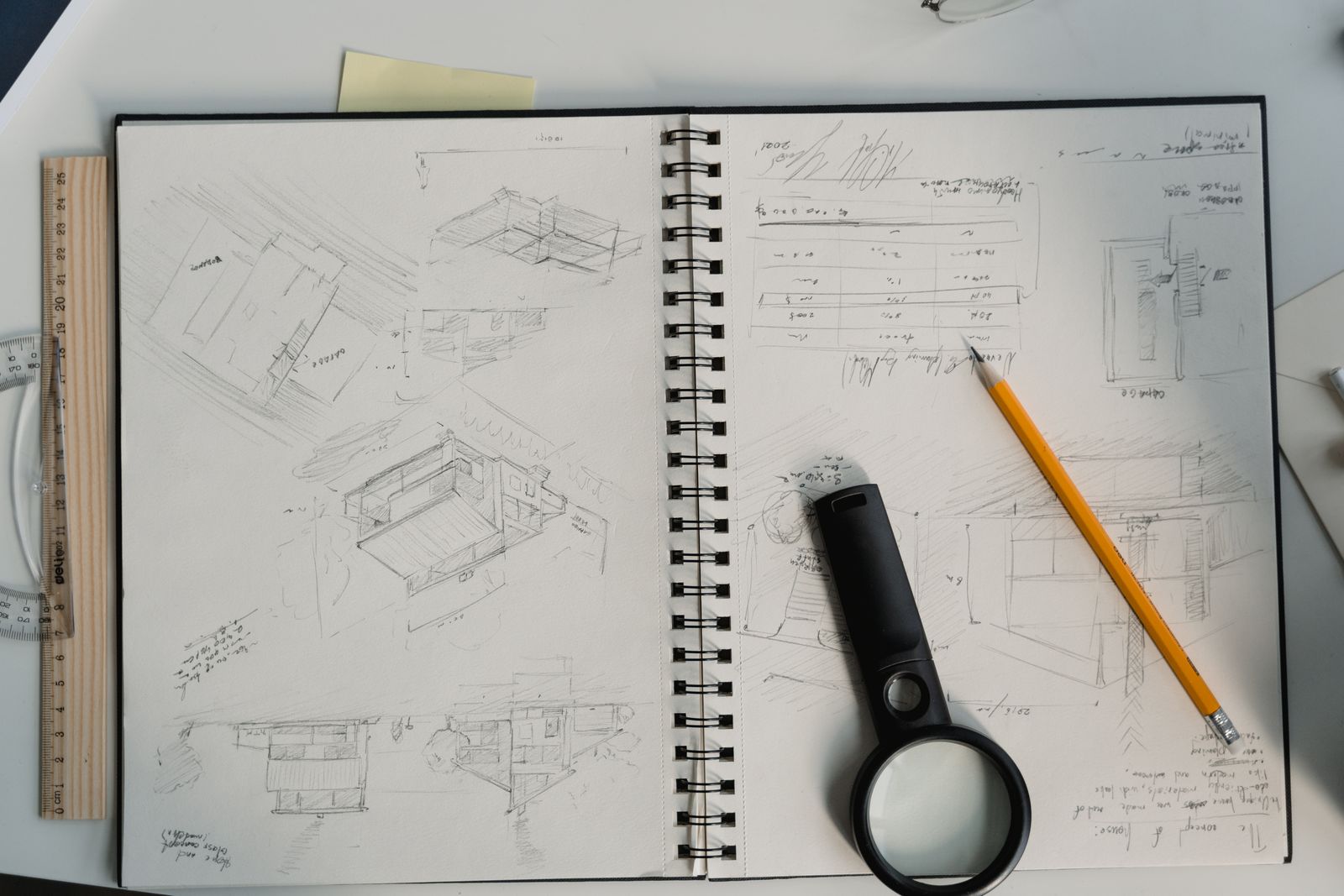
A digital interior design presentation should help someone understand the proposal and make decisions. It needs a clear story supported by drawings, materials and useful views. An attractive render alone cannot explain the brief, prove dimensions or show what is included in the budget.
For a first room project, use a short sequence with one purpose per page. Keep the amount of information manageable and make the relationships between pages easy to follow.
Start with the question you are answering
State the room, its users and the main problem. Identify the existing items that remain and the most important constraints. If this is a course project or an independent concept, label it clearly.
Write one sentence describing the proposed improvement. For example: “The room arrangement provides a study position while retaining access to the existing cupboard.” The rest of the presentation should support that statement.
Use this six-part structure
| Part | What to show |
|---|---|
| 1. Brief | Users, activities, priorities and constraints |
| 2. Existing information | Measured record and retained items |
| 3. Proposed layout | Clear arrangement and relevant dimensions |
| 4. Material direction | Coordinated samples and product status |
| 5. Model views | Selected views explaining the proposal |
| 6. Budget and decisions | Cost basis, unresolved questions and next approvals |
This is a suggested learning structure, not a rule that every project needs exactly six pages. Add or combine pages only when it helps the reader understand the task.
Check consistency across the documents
The furniture in the plan should correspond with the objects and arrangement shown in the model views. A product named in the material schedule should have the same reference in the budget. Changes made after feedback need to reach every affected page.
Keep a simple project issue list. If a measurement, price or material remains uncertain, label it rather than presenting a complete-looking page that hides the gap.
Make the presentation readable
Use clear titles, restrained text and captions beside the image they explain. Check that dimensions and labels remain legible when exported. Avoid placing many small screenshots on one page just to show how much work you completed.
Use meaningful file and view names. An exported presentation should make sense without the application interface or the presenter standing beside it.
Label evidence and visual exploration
Distinguish measured drawings, actual product references, inspiration photographs and AI-assisted concepts. A generated image can support atmosphere, but it should not imply that every object or junction has been verified.
Credit external material where required and use only files you are permitted to include. Obtain permission before sharing private room photographs or identifiable people.
Practise a short explanation
Walk through the brief, layout decision, material direction and budget assumptions. Ask a reviewer to identify the main improvement without prompting. If they cannot, simplify the story or make the evidence clearer.
End with decisions needed rather than an unexplained final image. Record feedback and retain both the reviewed version and the revision.
Use the client brief template, AI concept guide and portfolio guide to keep the presentation honest, coherent and useful.
Practise with Ujenzi College
Explore Interior Design Software and AI for the current course scope, tuition and preparation requirements. Ask admissions about the next class.